Discord is unusual: it ships its own formatting system (markdown) AND accepts styled Unicode characters everywhere plain text goes. Mixing them up is why so many attempts look broken.
The short version: markdown formats ordinary text inside messages; Unicode characters carry their style into names, nicknames, statuses — places markdown can't reach. This guide maps both.
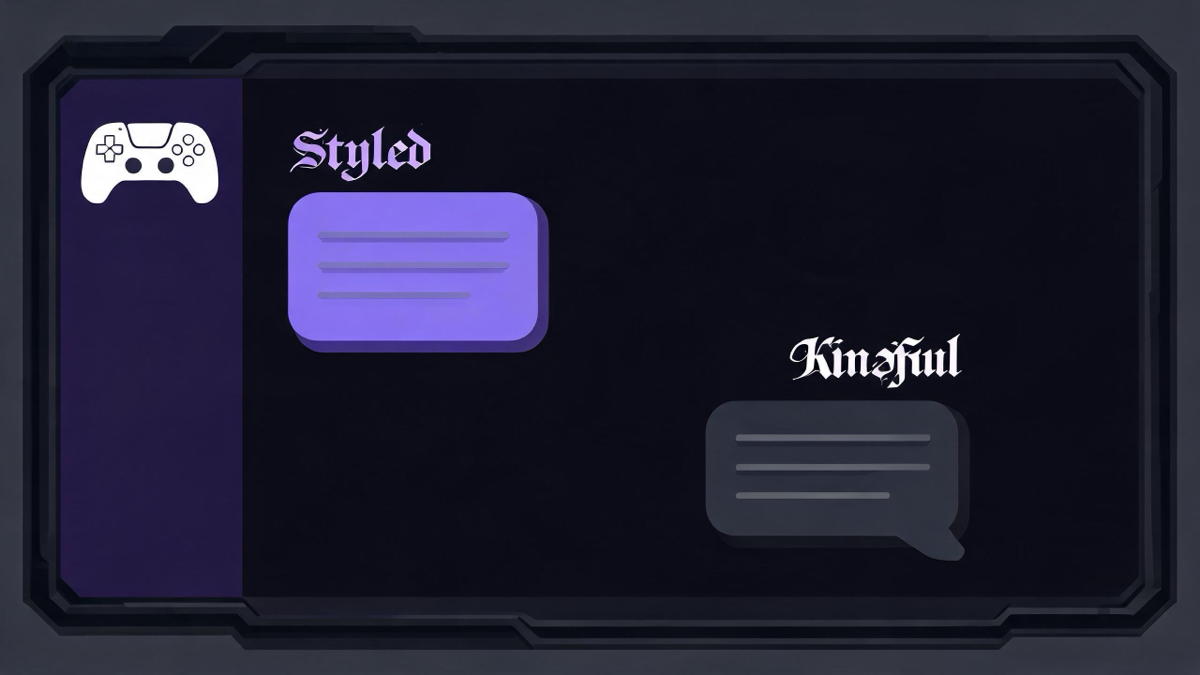
Two systems, two jobs
Use markdown when you're writing a message you control end-to-end. Use Unicode characters when the style must travel — your display name, a server-specific nickname, your status, or text that will be copied onward.
| Discord markdown | Unicode characters | |
|---|---|---|
| What it is | **bold**, _italic_, `code` syntax | Styled characters (𝗕𝗼𝗹𝗱, 𝔡𝔞𝔯𝔨) |
| Where it works | Messages only | Display name, server nick, status, messages |
| Survives copy-paste | No — formatting stays behind | Yes — the style is in the characters |
| Needs Nitro | No | No |
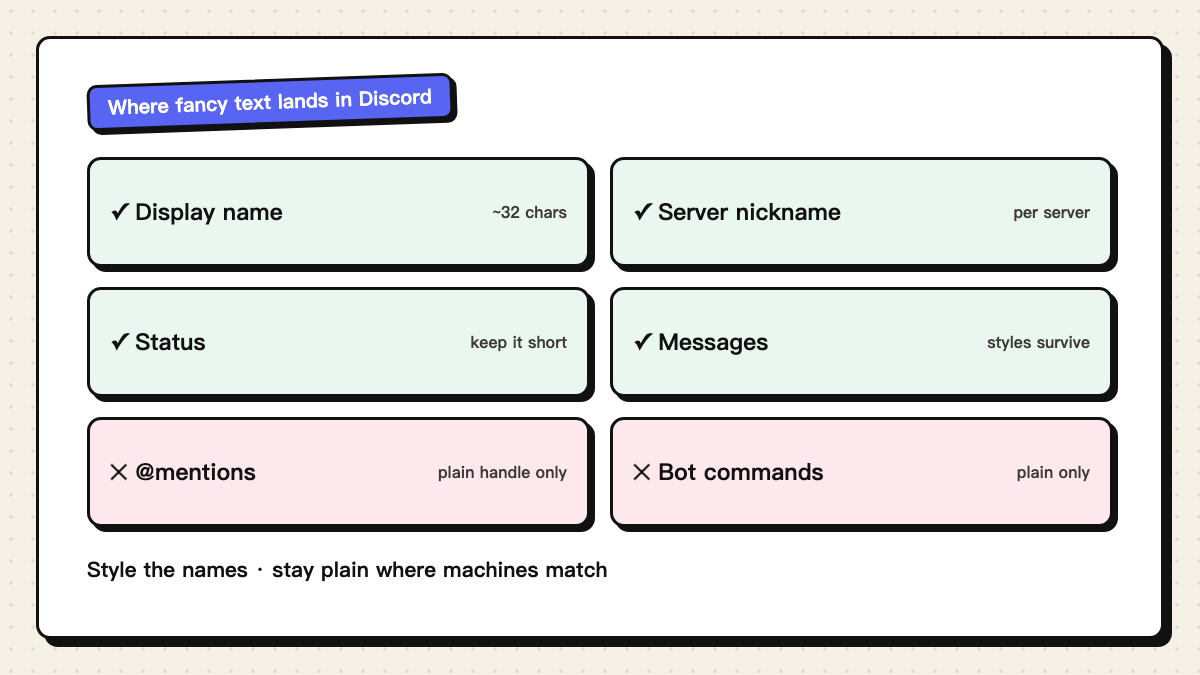
Where fancy text lands in Discord
- Display name (about 32 characters) — the main stage; whole-glyph styles read best.
- Server nickname — set per server, same character rules; useful for role-flavored names.
- Status — supports styled characters, but very long stacks may clip on mobile.
- Messages — styled characters survive, though dense combining marks can wrap oddly.
- @mentions and slash commands — match your plain handle; styled text won't ping anyone.
What to avoid
Two traps cover most of the failures. First, zalgo and strike stacks in names: they save, but they're the styles most likely to wrap badly in the member list and to be refused by auto-mod filters that treat mark-stacks as spam signals. Second, decorating your handle to look official — that's impersonation regardless of the characters used, and moderators ban for the behavior, not the glyphs.
The readable sweet spot: whole-glyph styles (bold, script, small caps) for the name, one thin frame if you want flair, and markdown for emphasis inside messages.